Free · no sign-up · never expires
Free QR code generator
Make a QR code for a link, a business card (vCard) or your Wi-Fi. Style it, add your logo and a line of text. Download it as PNG or SVG. Bulk mode creates many codes at once, each with its own text label. The QR codes are generated in your browser and never sent over the Internet.
Pattern
Colours
Use a dark code on a light background — many phone cameras can't read the reverse.
BorderNone
LogoNone
PNG, JPG or SVG
Text labelNone
Style
Colour
Advanced
Error correction
A higher level still scans when part of the code is damaged or dirty, but makes the code denser.
Quiet zone · blank margin
The QR code standard asks for 4 modules. 1 is enough when the code sits on a plain background.
PNG scale · pixels per module
Every module is a whole number of pixels, so edges stay sharp.
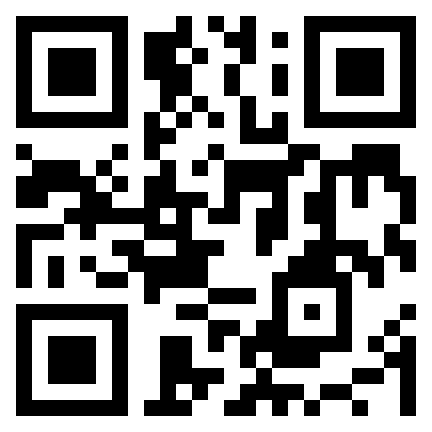
https://example.com
Always scan and verify your QR code with a phone before you print or share it.
These are static QR codes: once printed, you can't change what happens when they are scanned.
Need a dynamic QR code, a smart app download code or scan statistics? Sign up to Onelink.to.
How to make a QR code
- Choose what the code holds: a link or text, a business card, your Wi-Fi settings, or many codes at once in Bulk mode.
- Fill in the details. The preview updates as you type.
- Style it if you like: pattern, colours, a border, your logo and a text label below the code.
- Download it as PNG or SVG, and scan it with a phone before you print or share it.
QR code types
Link or text
Business card
Wi-Fi settings
App downloads
Bulk mode
Static vs dynamic QR codes
Printing tips
- For print, download SVG, which stays sharp at any size. PNG is fine for screens.
- Make the code at least 2 cm (0.8 in) wide. For anything read from a distance, a good rule is a tenth of that distance, so 30 cm for a poster read from three metres away.
- Keep the code dark on a light background. Many phone cameras can’t read a light code on a dark background.
- Leave a blank margin, the quiet zone, around the code. Text or artwork touching it makes it harder to read. You can widen the margin under Advanced.
- Keep logos small, since a logo covers part of the code. The generator only lets you choose sizes that keep it scannable.
- Scan a printed copy with an iPhone and an Android phone, from the distance people will actually be at. More in Make sure your printed QR code scans.